

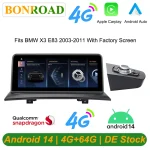

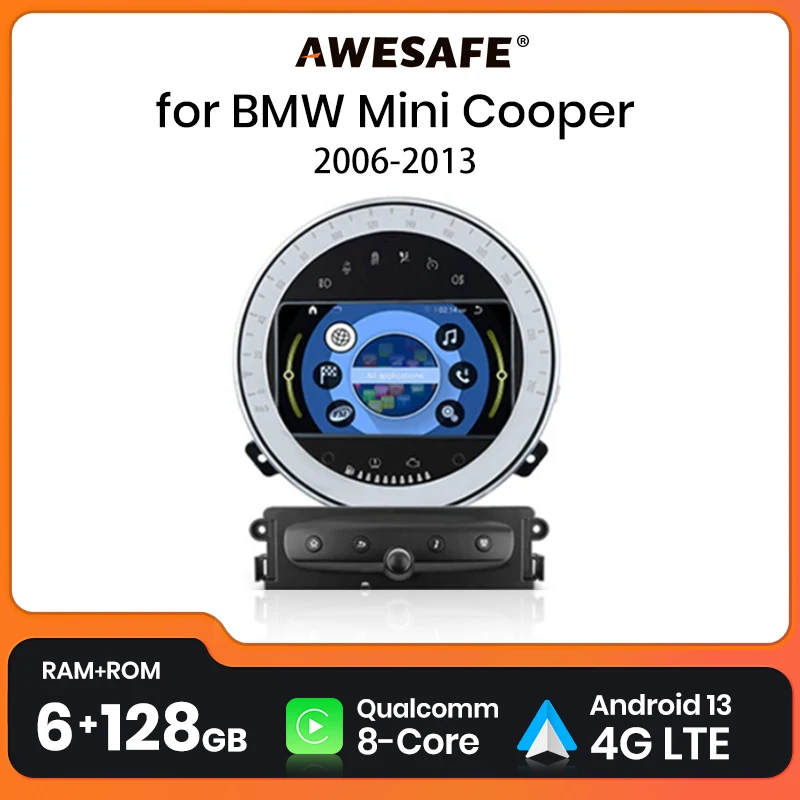


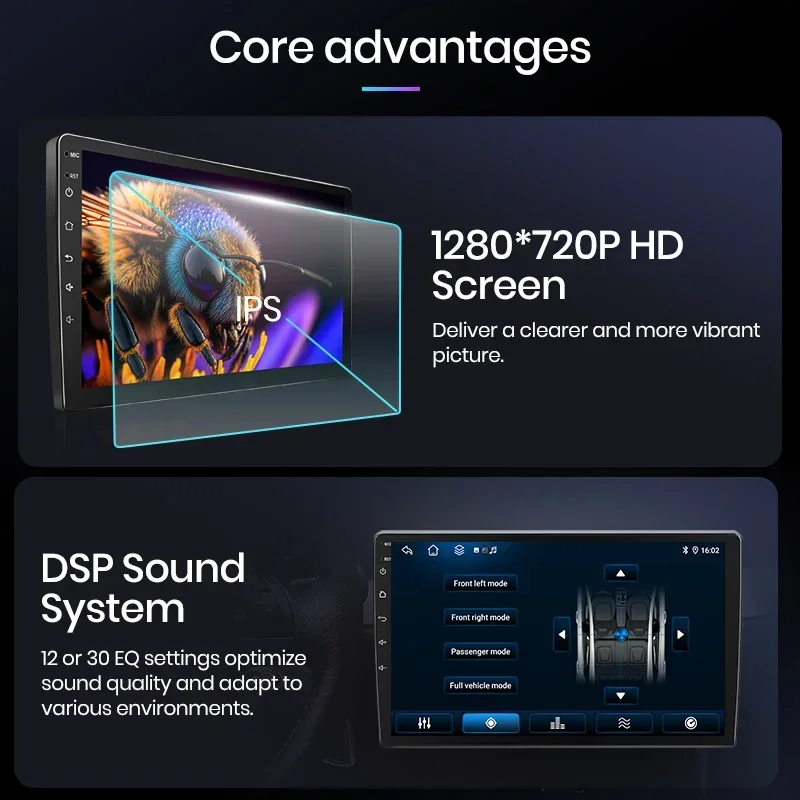
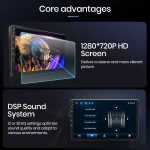
- Warranty: 2 years
- Preset Station: Set by yourself
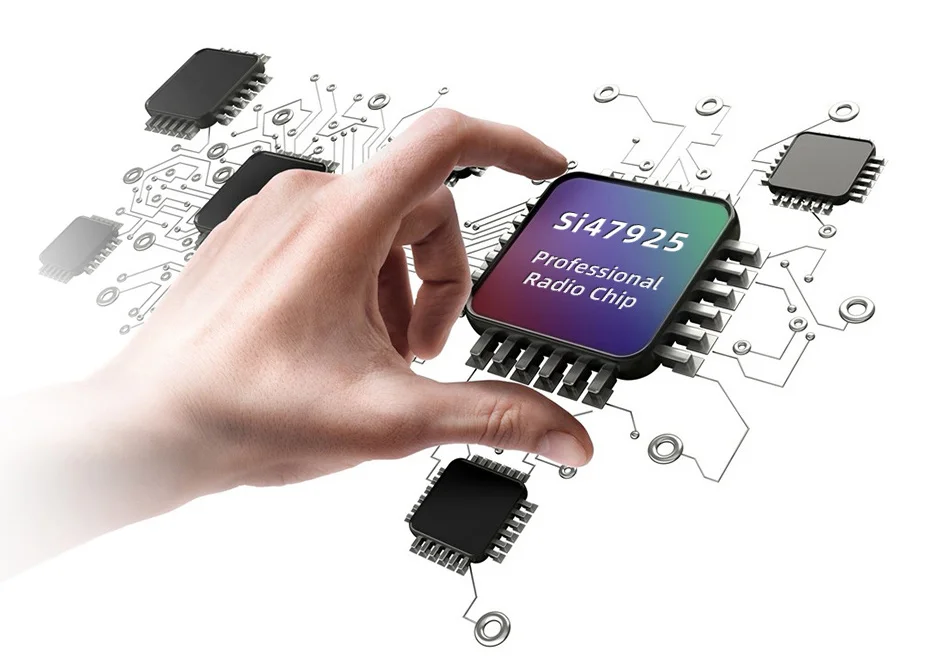
- Tuner Type: 4745/MT6625N
- Built-in DVD Player: No
- Chipset: MTK8259/8163 (Optional)
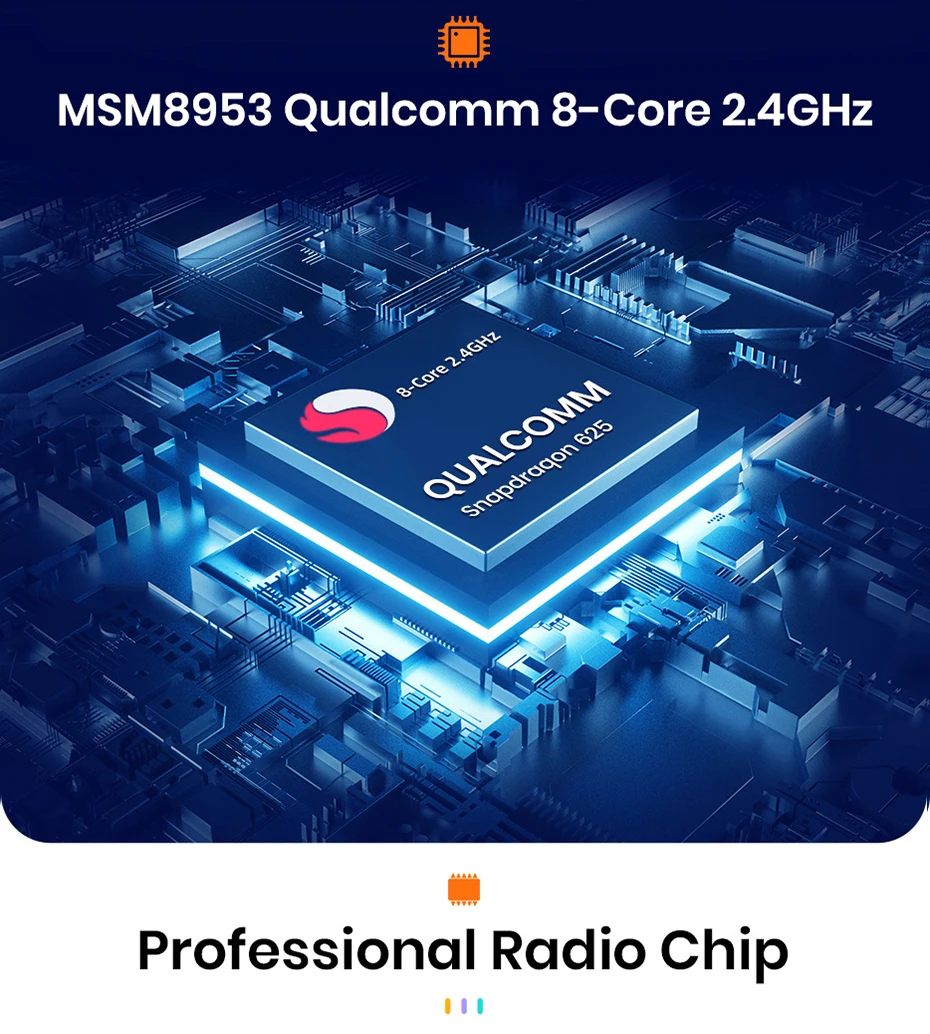
- Processor Speed: 1.6Ghz
- Processor Type: AMP7388
- Is touch screen: Yes
- Built-in Screen: Yes
- Category: Combination product
- TF/Micro SD Slot: 2
- Din: Double Din
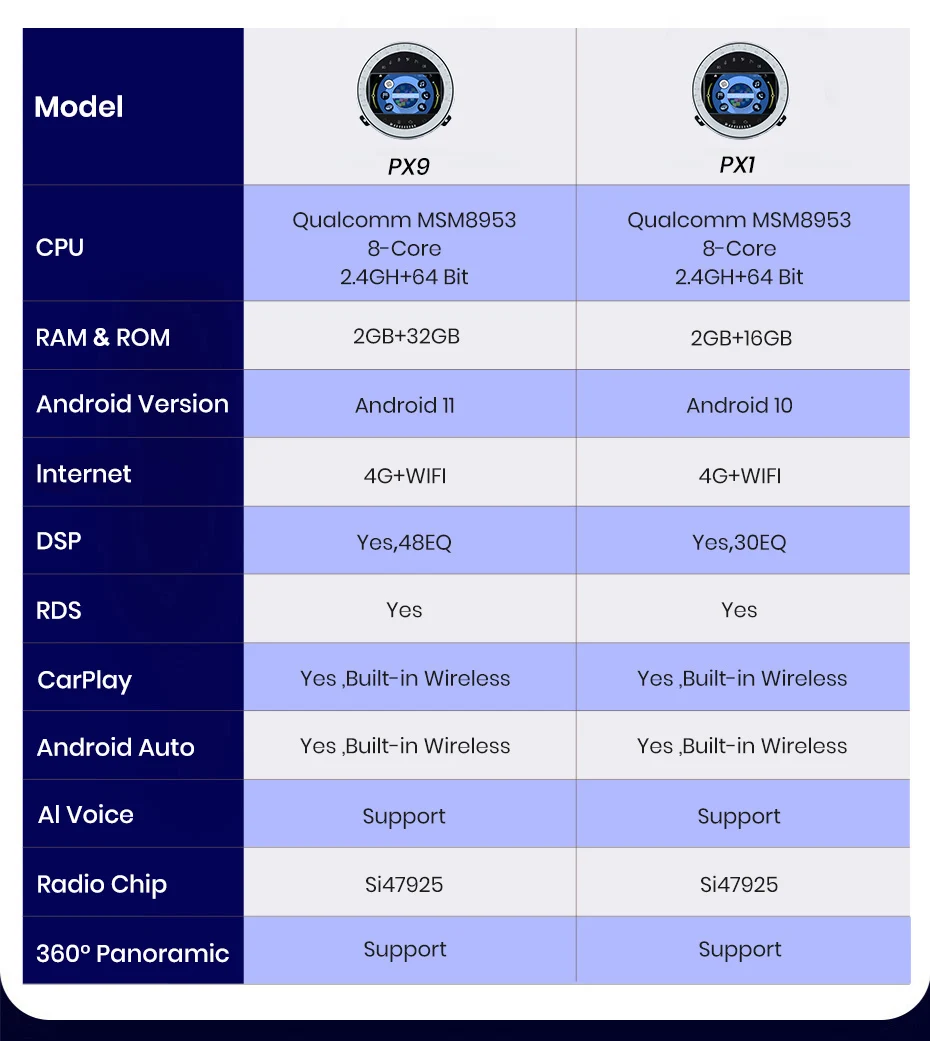
- RAM: 4G
- Interface: USB,RCA
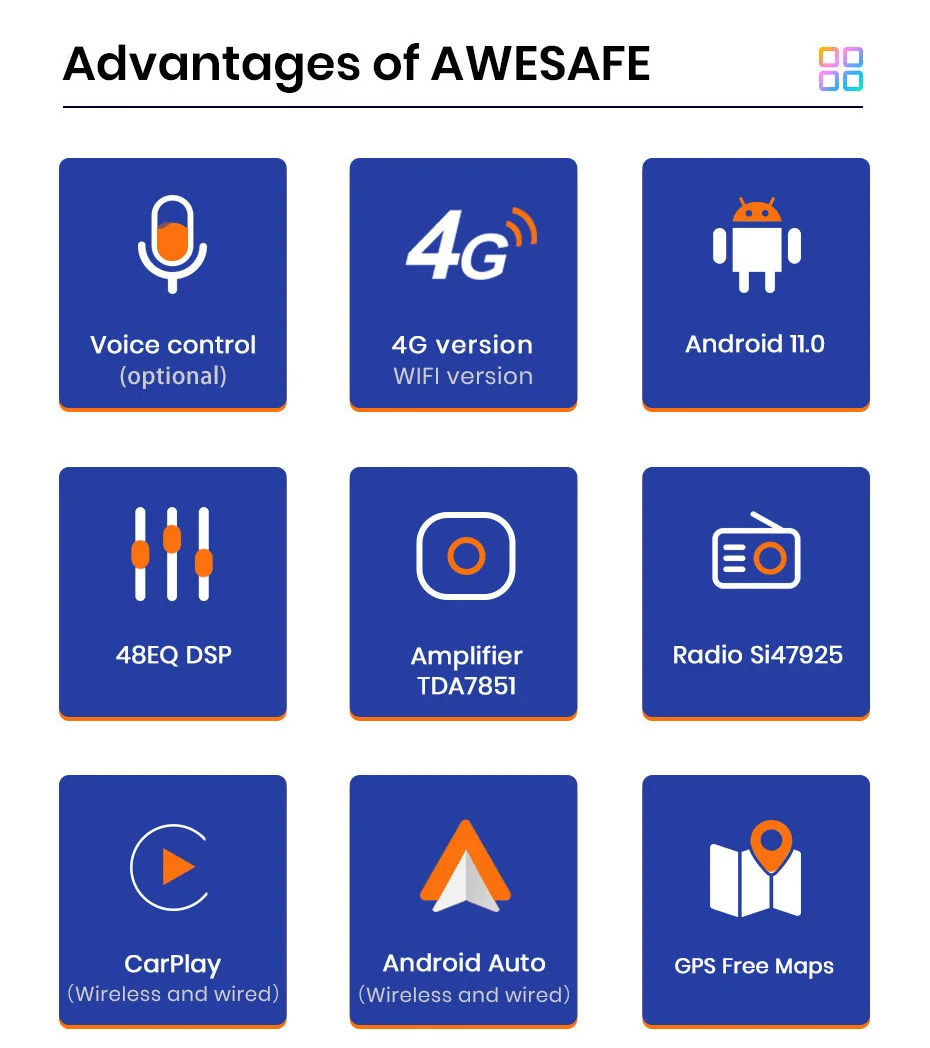
- Operating System: Android 12
- Out Power: 4*45W
- Voltage: 12 V
- Item Weight: 3kg
- Item Size: 7 inch
- Max External Memory: 256G
- Special Features: Built-In Speaker/Microphone,wifi function,Support steering wheel control,Support 3G Network,Support 4G Network,Support Can-Bus,Built-in GPS,Mobile Phone,MP3 players,Voice Control,CarPlay,android auto,Reversing Input,Split Screen
- Digital Media Format: CD
- OSD Language: Chinese (Simplified),Chinese (Traditional),ESTONIAN,Polish,Danish,German,Russian,French,Filipino,Finnish,Korean,Dutch,Croatian,Lithuanian,Romanian,Norwegian,Portuguese,Japanese,Slovak,THAI,Turkish,Ukrainian,Hebrew,Spanish,hungarian,Italian,English
- Resolution: 1280*720
- Display Size: 7"
- Brand Name: AWESAFE
- Origin: Mainland China
- For Vehicle Brands/Model: BMW
- ROM: 128G
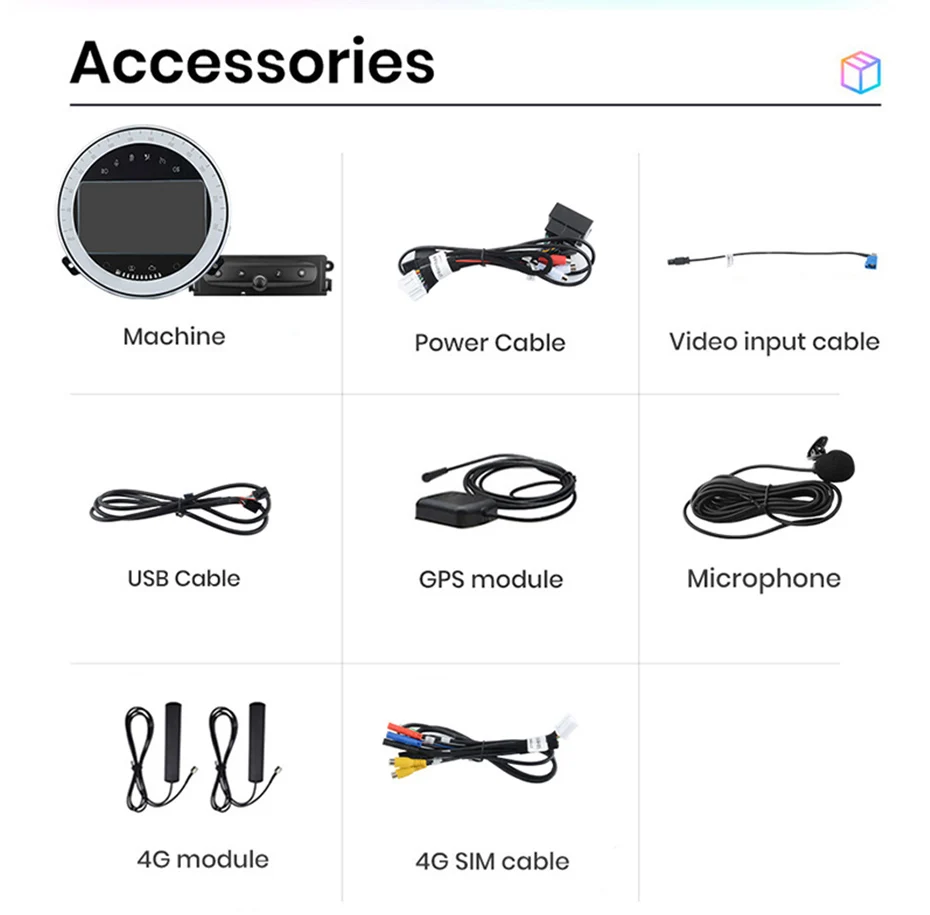
- Accessory Type: Power Cable/USB cable/GPS model/Video input cable
- Material: Composite Material
- Operation System: Android 12
- Screen Display: 7 inch 2.5D screen, 1280*720 resolution
- RAM/ROM: 1GB+16GB /2GB+32GB / 4GB+64GB/ 6GB+128GB/ 8GB+256GB/
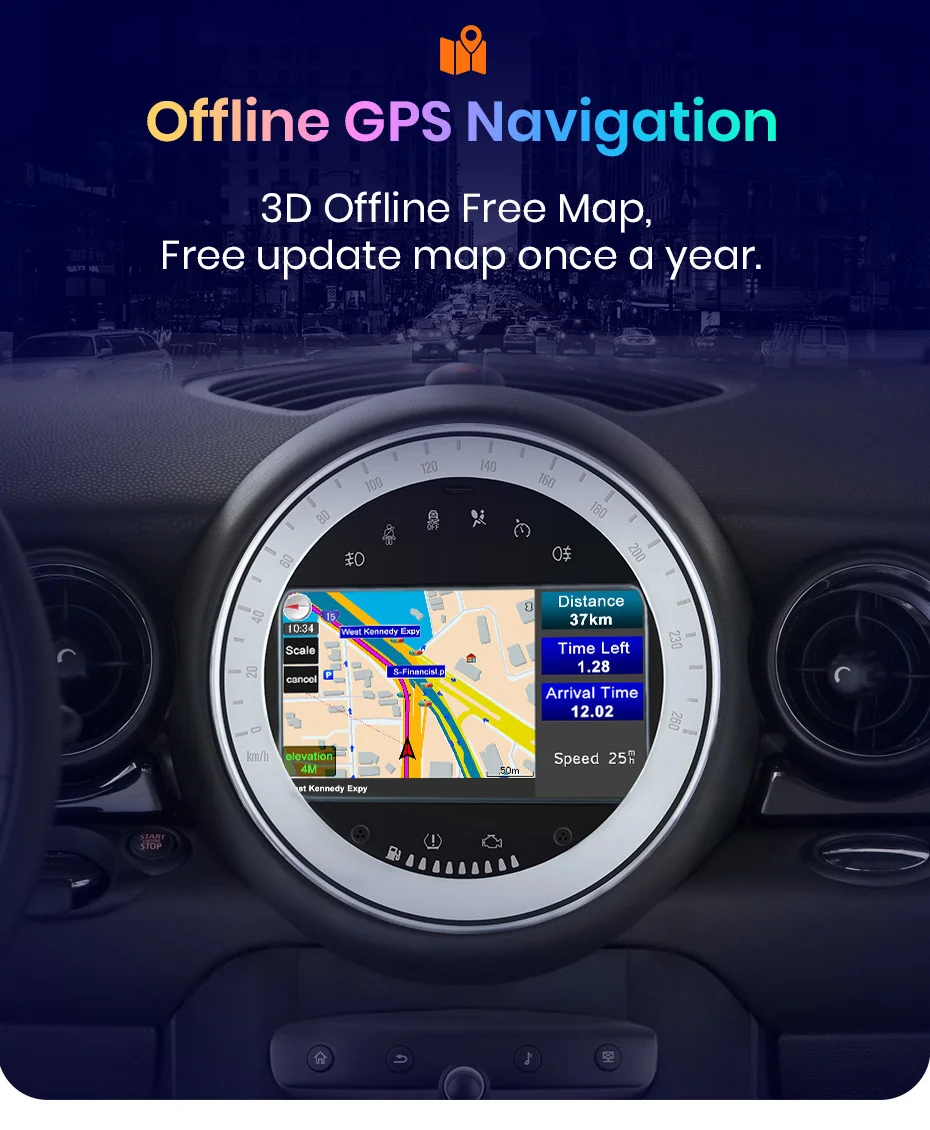
- GPS Navigation map: Built-in offline map
- Original Radar Displaying: Support
- Front camera input: Support
- Rear view camera input: Support
- Mirror link: For iPhone and Android
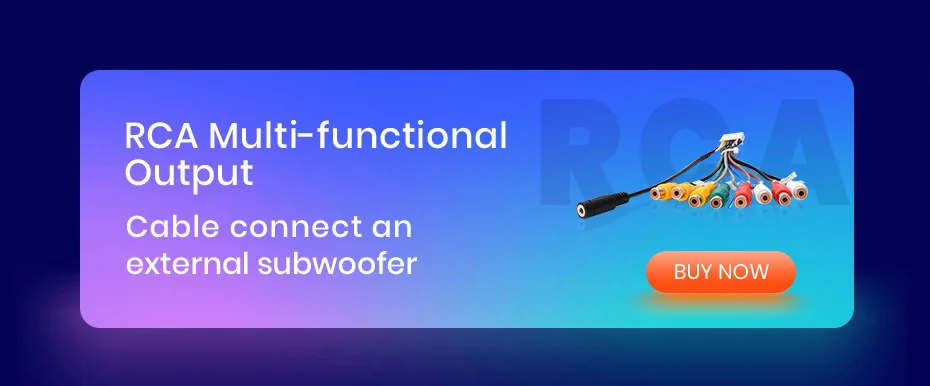
- AV-OUT: WiFi version support, need buy RCA cable
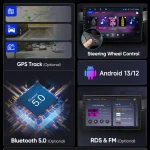
- RDS: Support (Optional)
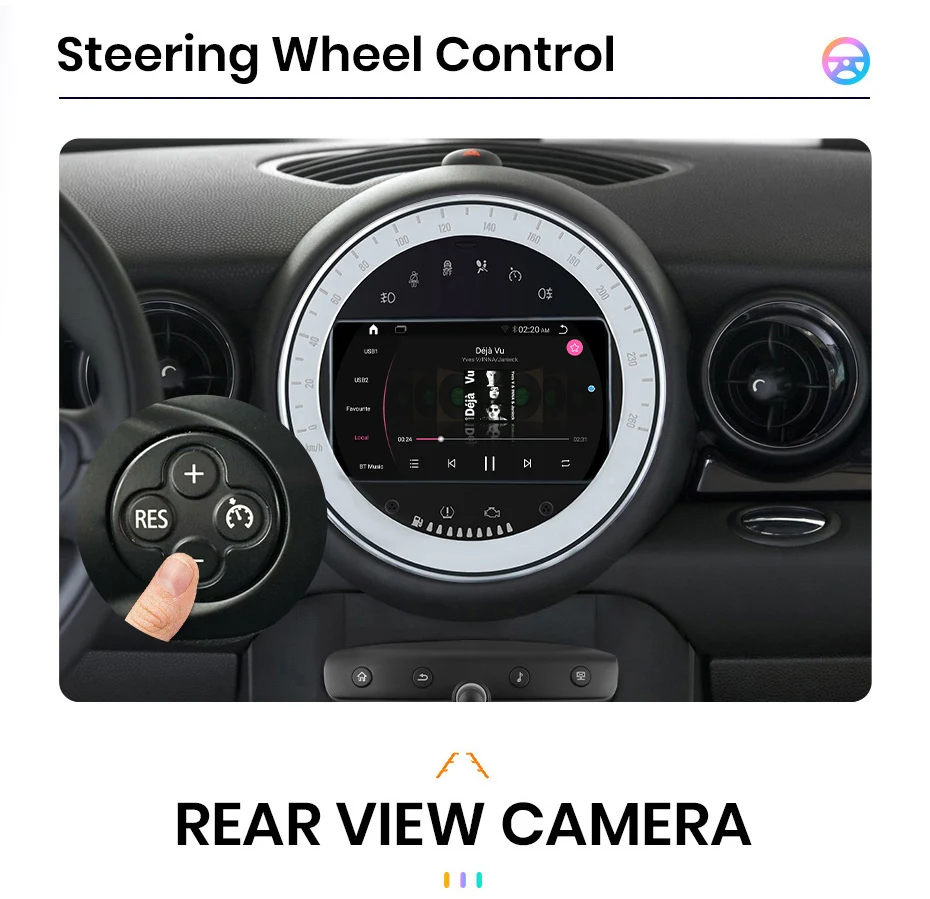
- Steering Wheel Control Button: Support
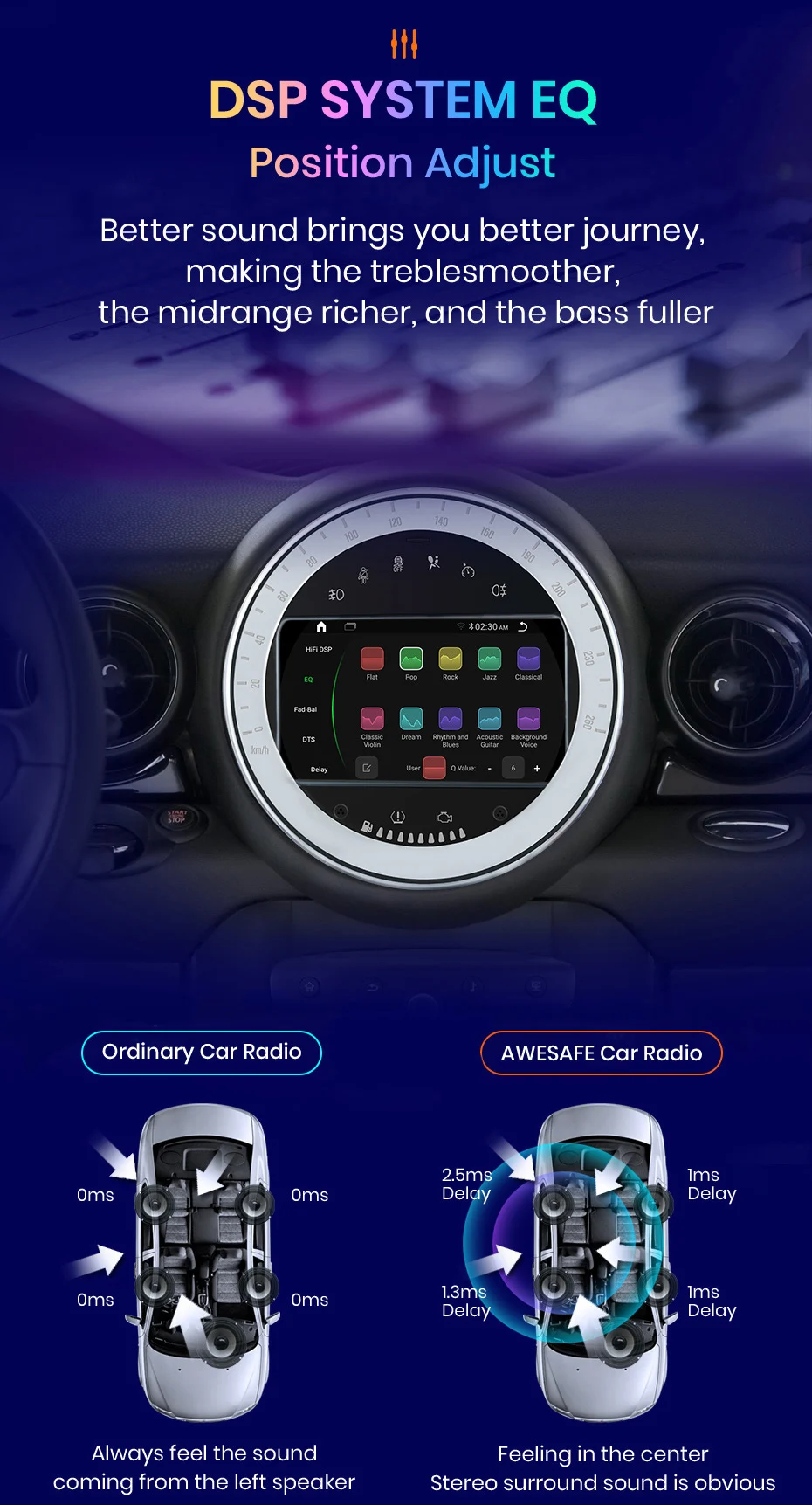
- DSP: Support (Optional)
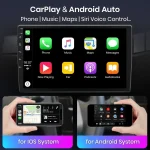
- Android auto: Support wired Android auto (Optional)
- CarPlay: Support wired /wireless CarPlay (Optional)
- Radio Microphone: Built-in microphone
- External microphone: Support (need to buy RCA cable )
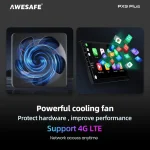
- Network: Support 4G (4G version radio ) and WIFI
- USB: Include 2 USB cables
- AI Voice Control: Support (need to buy Activation code)
- OBD2: Support
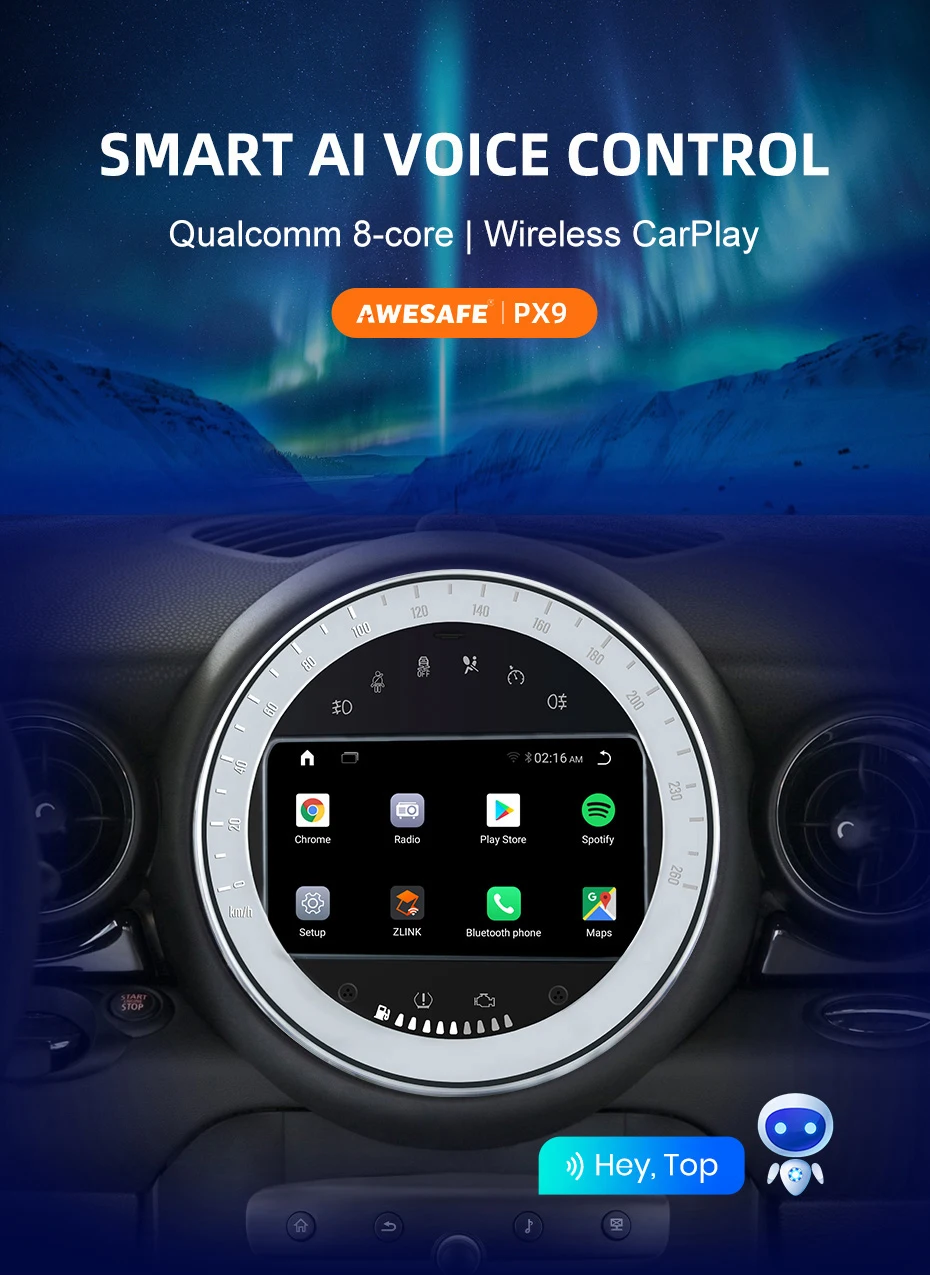
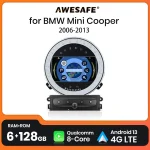
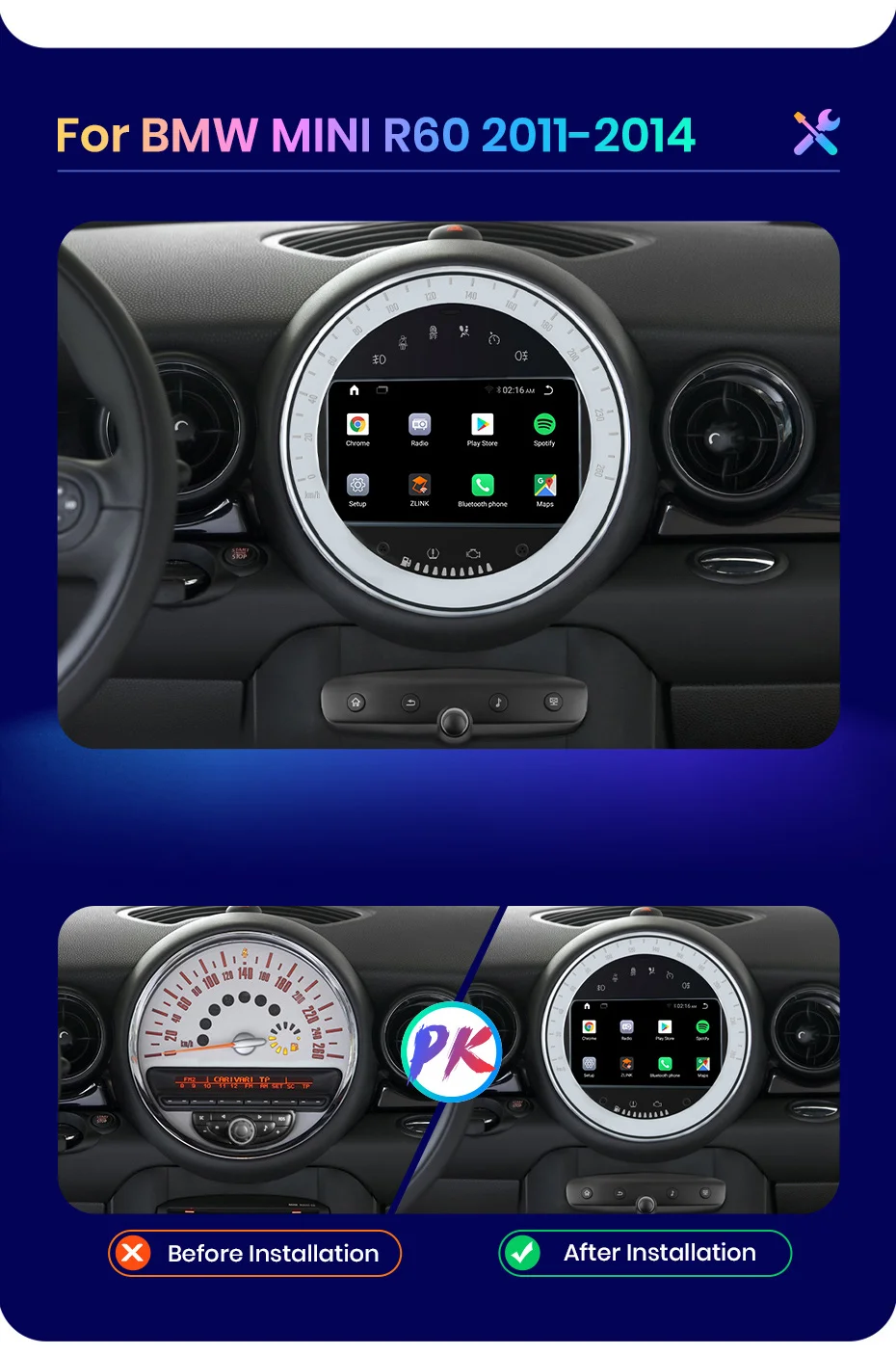
AWESAFE for BMW Mini Cooper R60 2011-2014
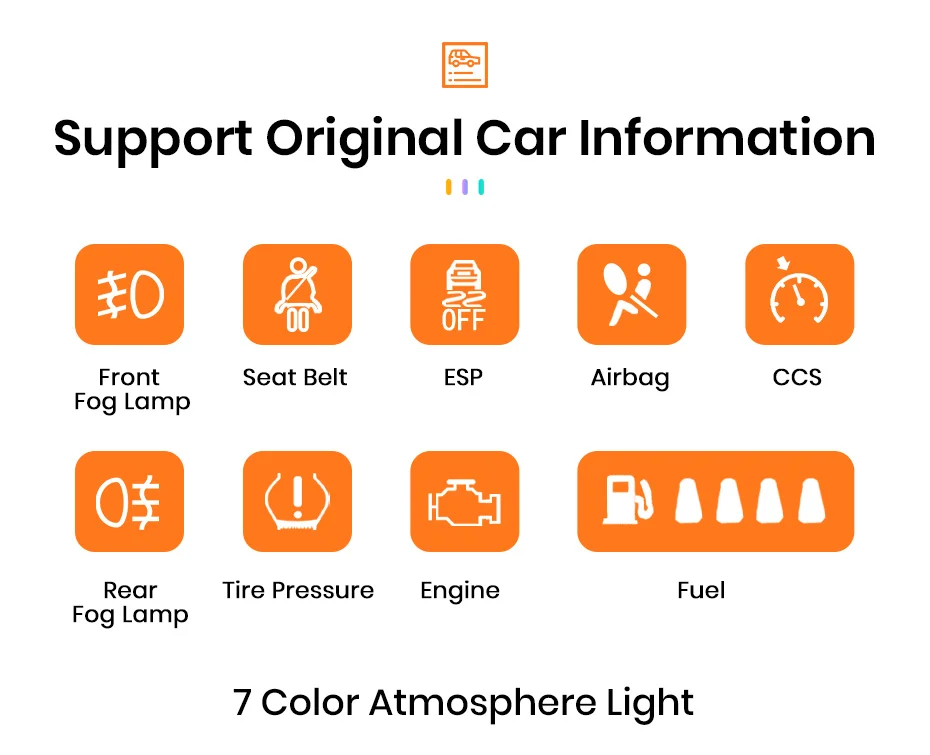
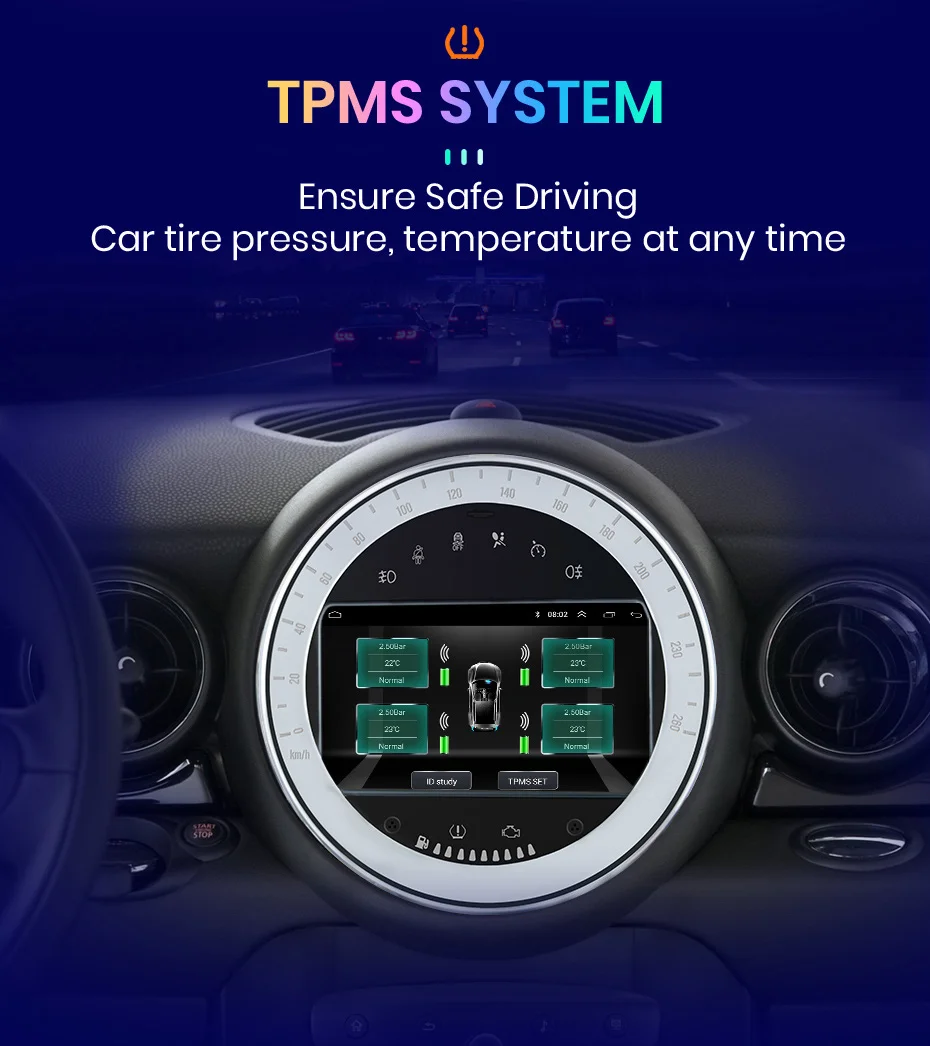
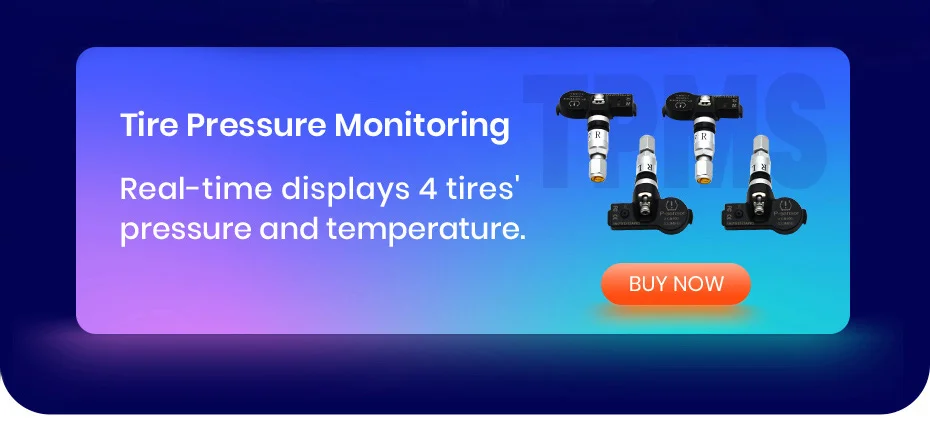
>> 7 inch 2.5D Capacitive Screen + Quad Core 1.2GHZ CPU + DDR3 1GB /2GB / 4GB Flash ( optional) + 16GB /32GB / 64GB Memory ( optional) + Built-in Wifi (4G optional) + GPS Navigation (Map free update)+ Steering Wheel Control + Mirror Link + Bluetooth-compatible+ Built-in Microphone + FM/AM + RDS + support USB DVR ADAS + support Europe DAB Function + 1080P Video Play + HD 1024*600 + support Tire Pressure Monitoring System + support Voice Control
>> Fast shipment from China, Russia, Spain, or Poland warehouse in 2 days, and Free Return in 15 days.
>> 7*24 hours Service
At Awesafe, our mission is working hard to provide you with reliable and wonderful Car Multimedia Player / Car Radio, with innovative hardware & software, and with free updates for firmware, software, GPS navigation maps.
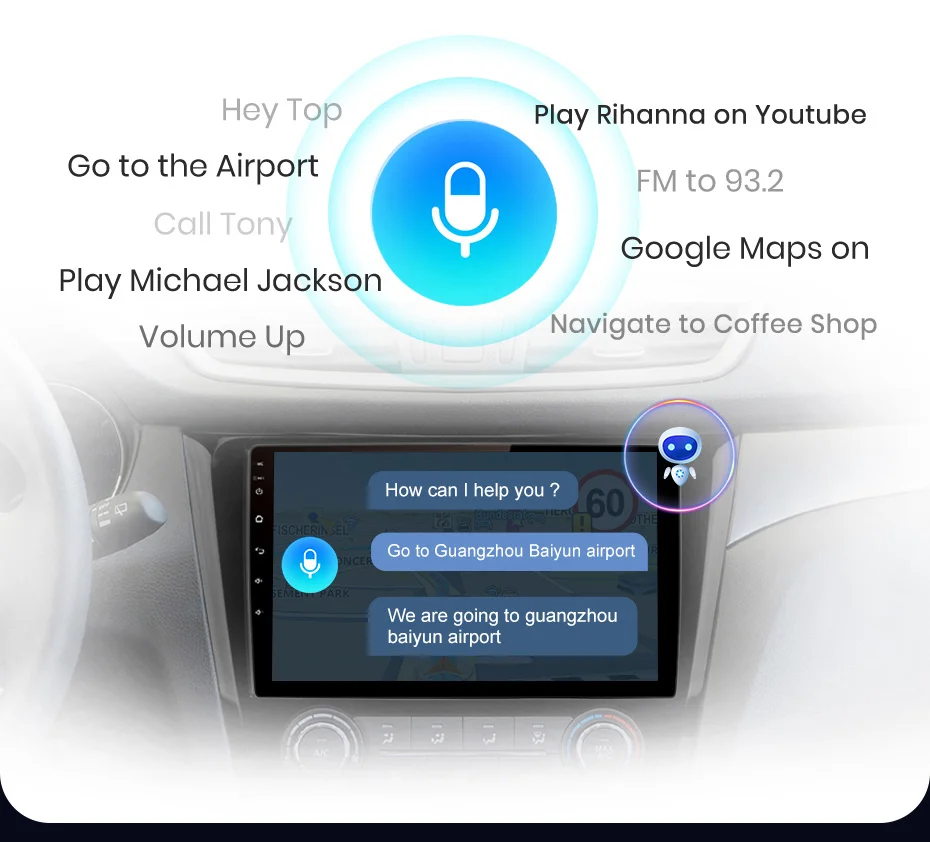
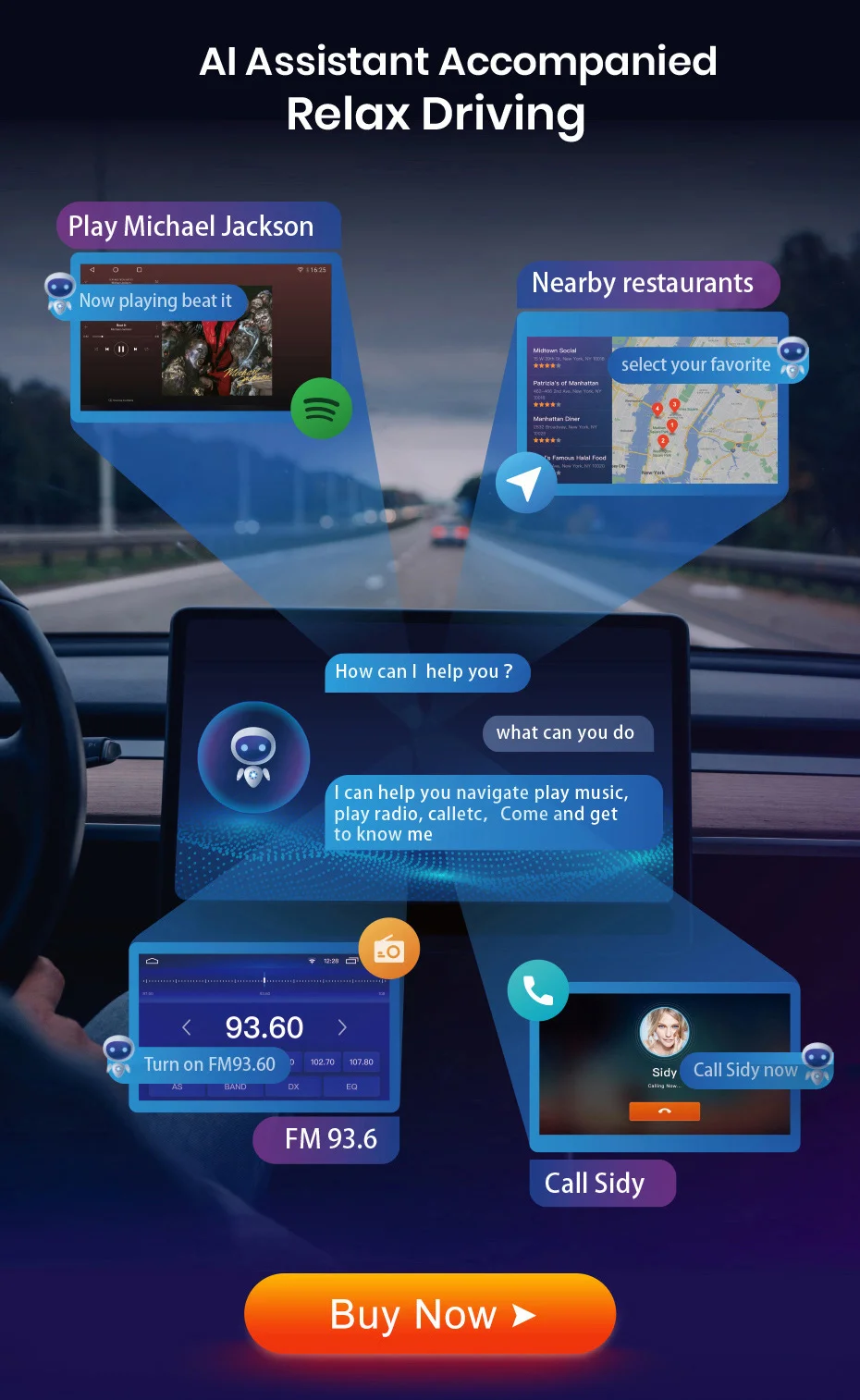
You can operate the car radio by speaking some words, it will understand your meaning and execuate it. This function is optional and is operated by a pre-installed application, you need to buy the function so as to use it. Click the picture below to buy.
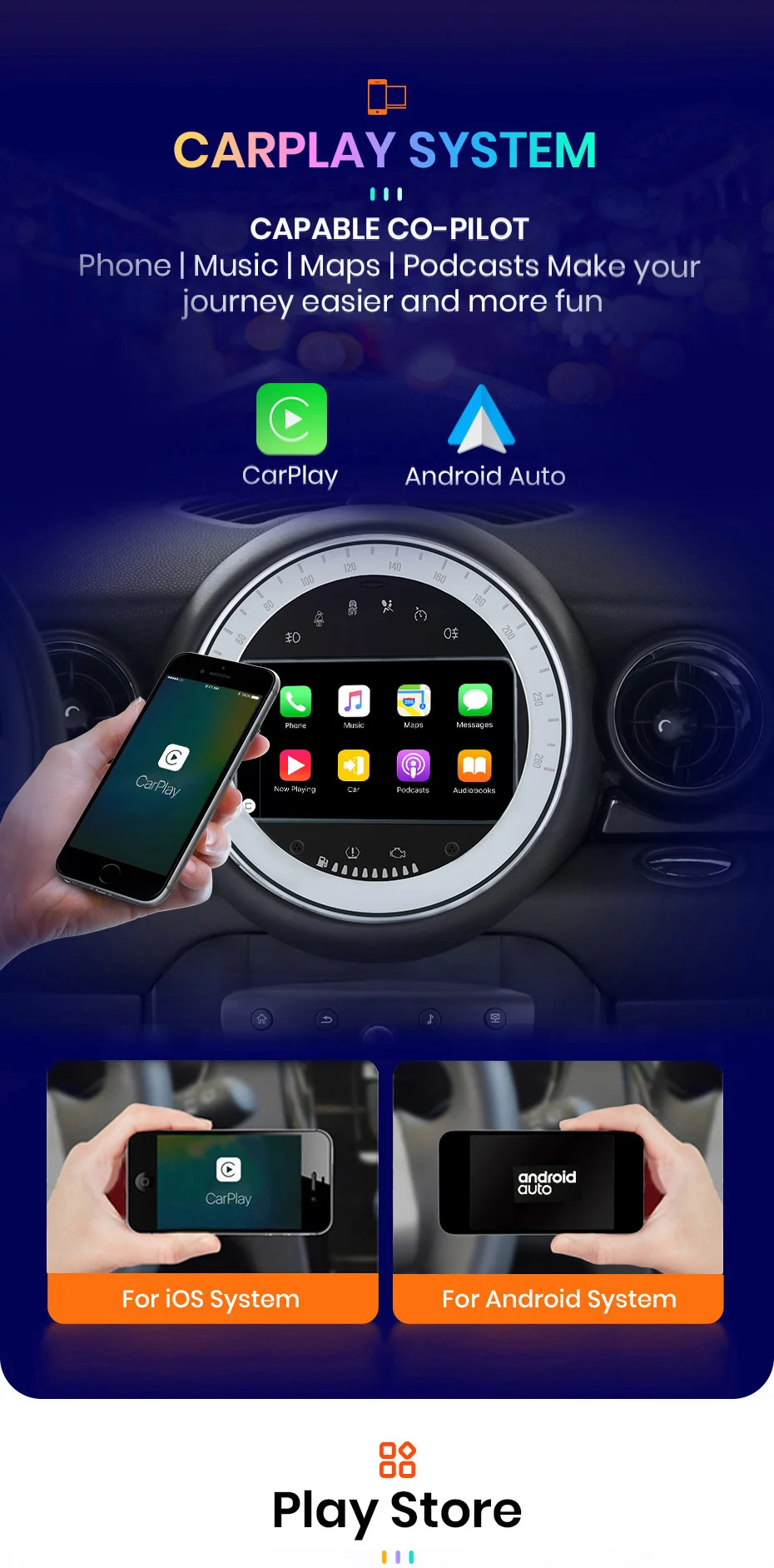
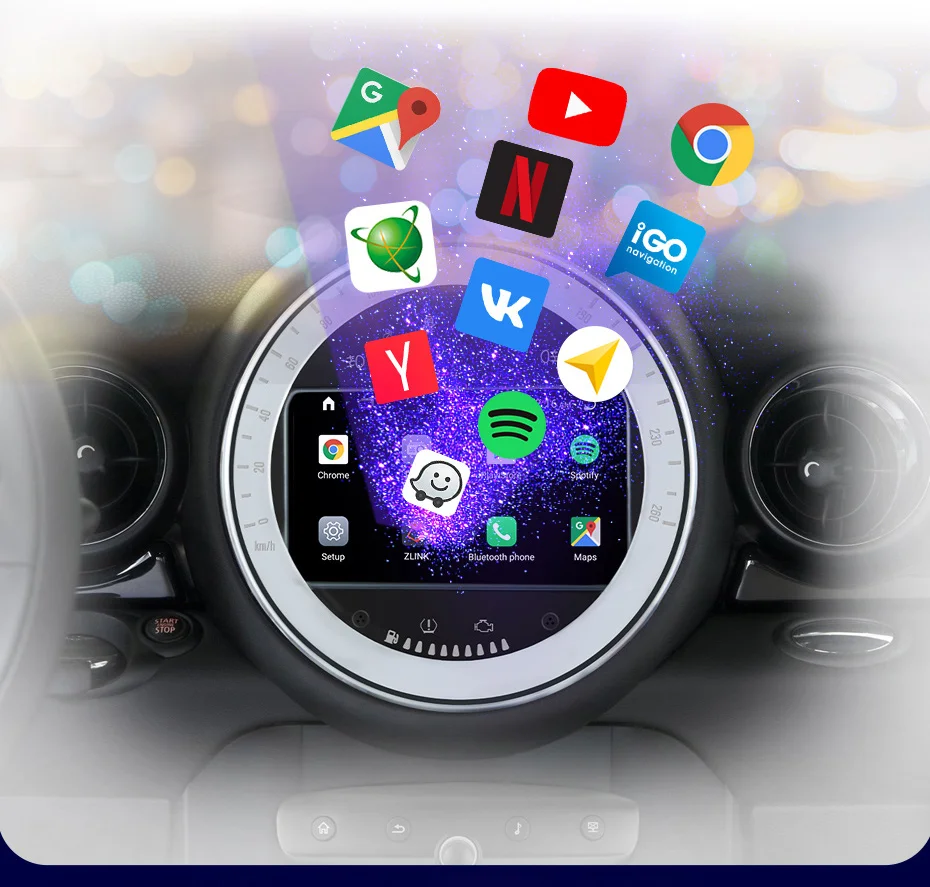
Various applications are preinstalled or can be installed in the device, make the device more functional and more enjoyable.
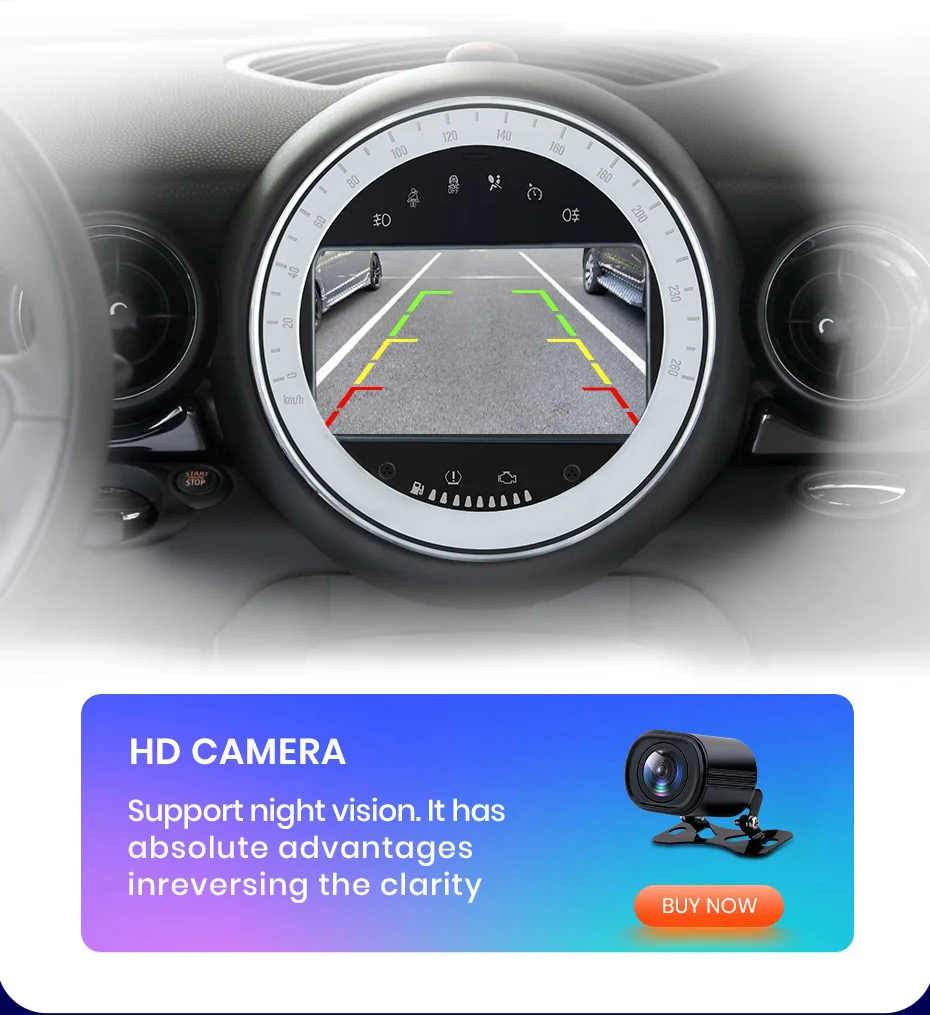
When the car switchs to reverse gear, the screen will switch to rear view with parking lines automatically, help you reverse or park the car.
(The rear camera in the picture below is optional and it's better than the regular one.)
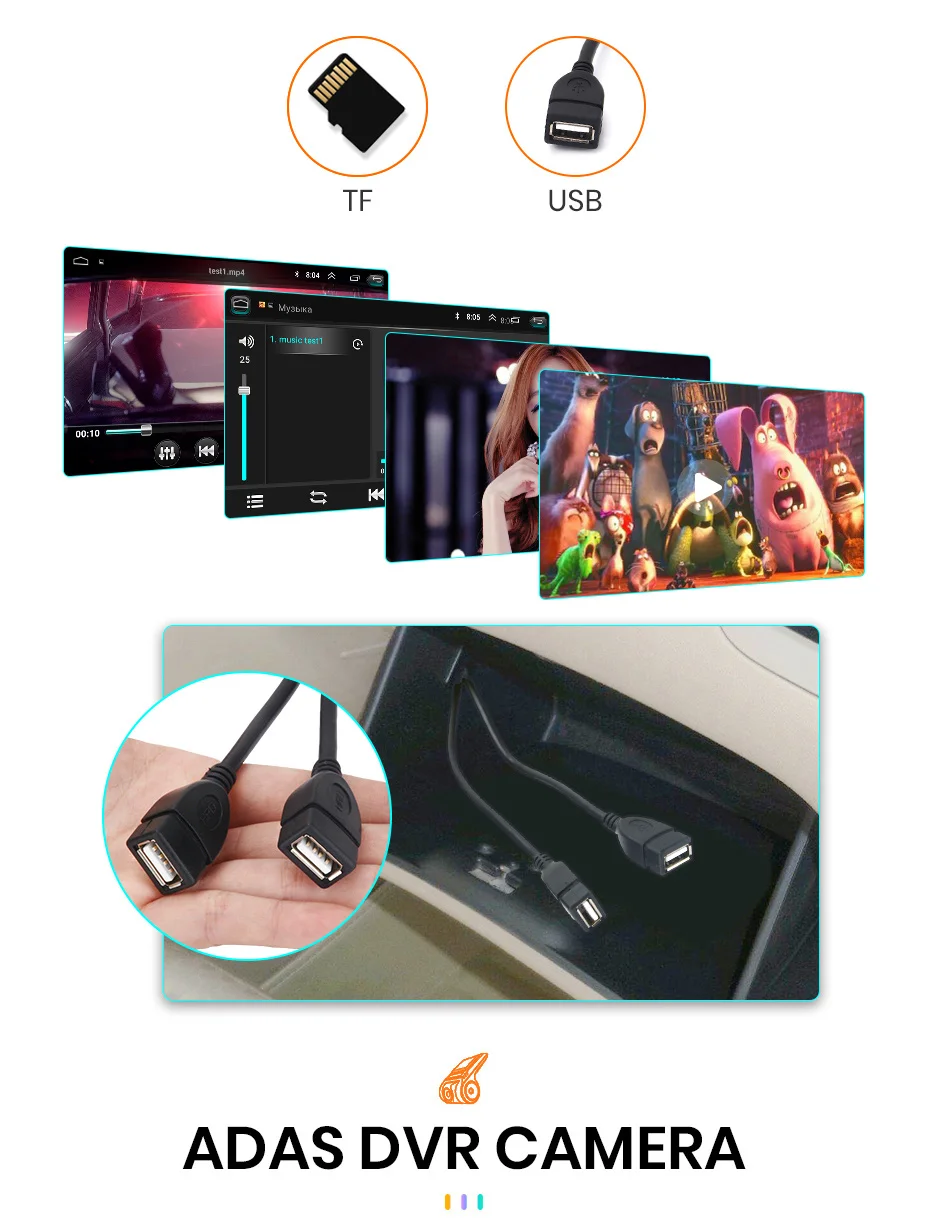
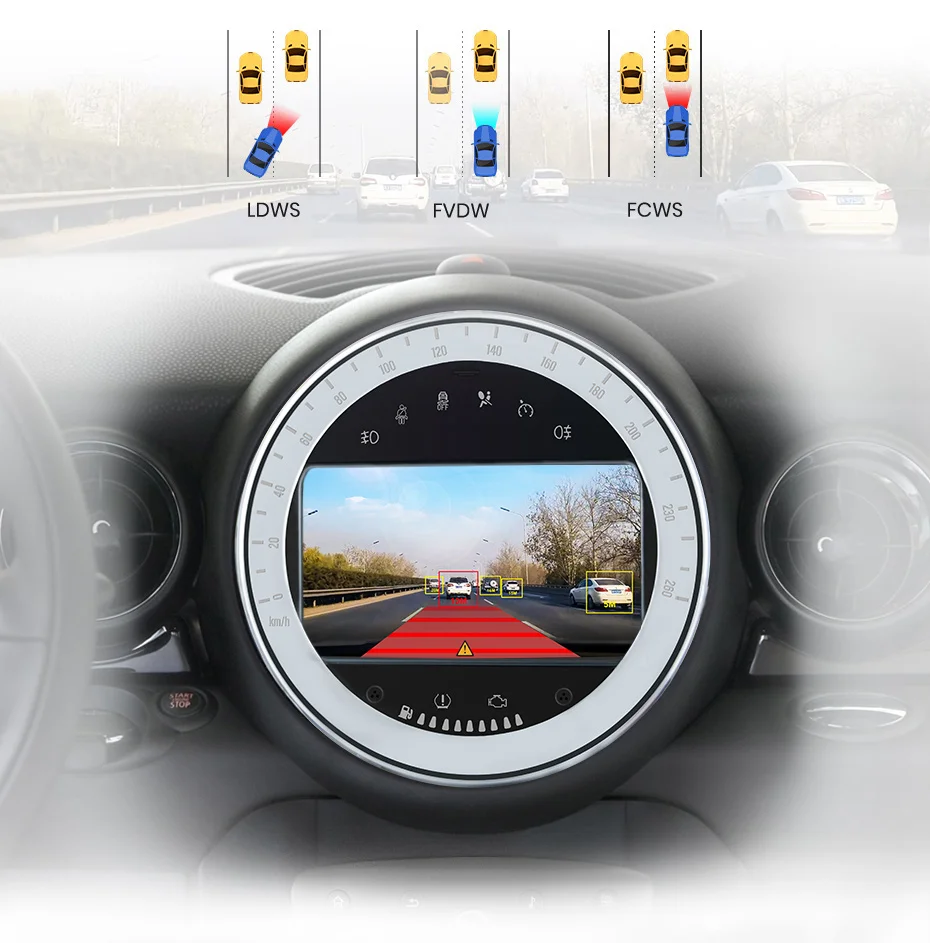
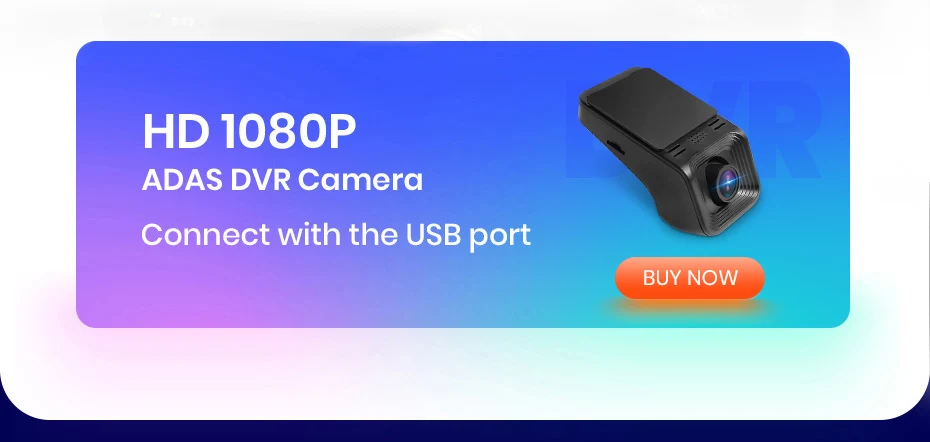
When the car radio is connected with ADAS video recorder, it will make Advanced Driving Assistance System work, and will warn you if your car is too close to front vehicle or if your car deviates from the lane, to help your driving safer and easier.
Warm and important tips:
1). After searching satellite signal successfully for the first time, time and date will update;
2). Please understand that operation system and preinstalled apps take some part of memory; Russia map takes about 3GB; Europe map takes about 7GB;
1. What is the difference between WiFi and 4G version?
The device has navigator, play music, parking function, etc. In order to connect Internet, Wifi versions need to make your smartphone serve as a hotspot. For car owners who use Internet frequently when traveling, we recommend to buy 4G versions.
2. If you don't like the product, is it possible to return?
If you are not really satisfied with the product, you can return the goods, return it to our warehouse in Russia/Spain/China.
3. How to set up the steering wheel controls
>WIFI versions
Setting–car infotainment–SWC–click clearall first –then click the icons. When it flashes, press the button on the steering wheel to match the icon. After learning successfully, it will change color.
>4G versions
Setting-genaral–steering wheel setting
Please press the button on the steering wheel, and at the same time click the button on the screen to match, it will change color after matching.
Note: If your order comes with canbus, please go to set up the canbus type, then the button can work, please contact our customer service for help.
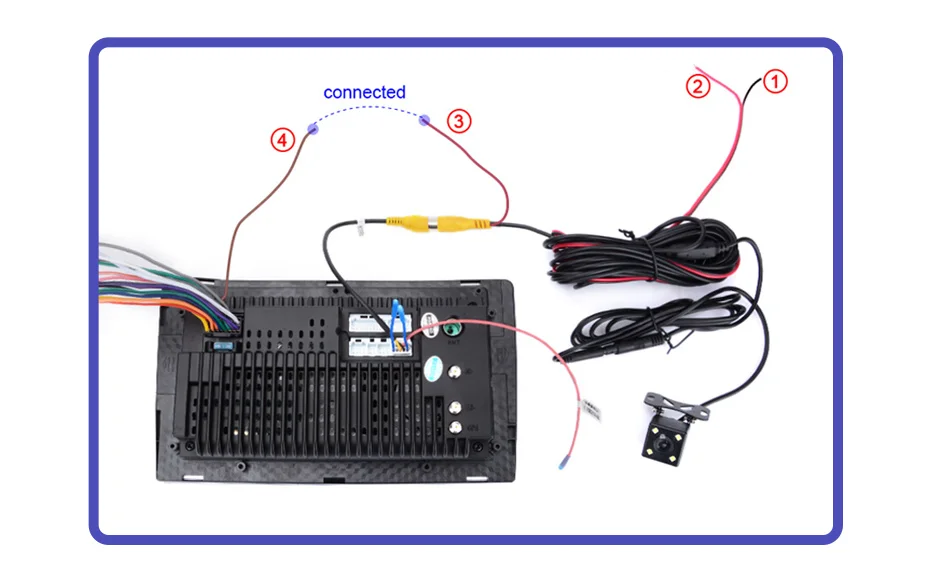
4. How to connect the rear camera ?
1) red cable ① is connected to the backup light "+";
2) black cable ② is connected to the backup light "-";
3) the reversing detection cable ④(Brown color) is connected to the red cable ③ which extending from the video input cable;
4) ⑤ cable does not need to be connected.
5. How to change the Boot Logo for WIFI version?
Settings –Car infotainment –Common–Boot logo –password 5678–choose logo.
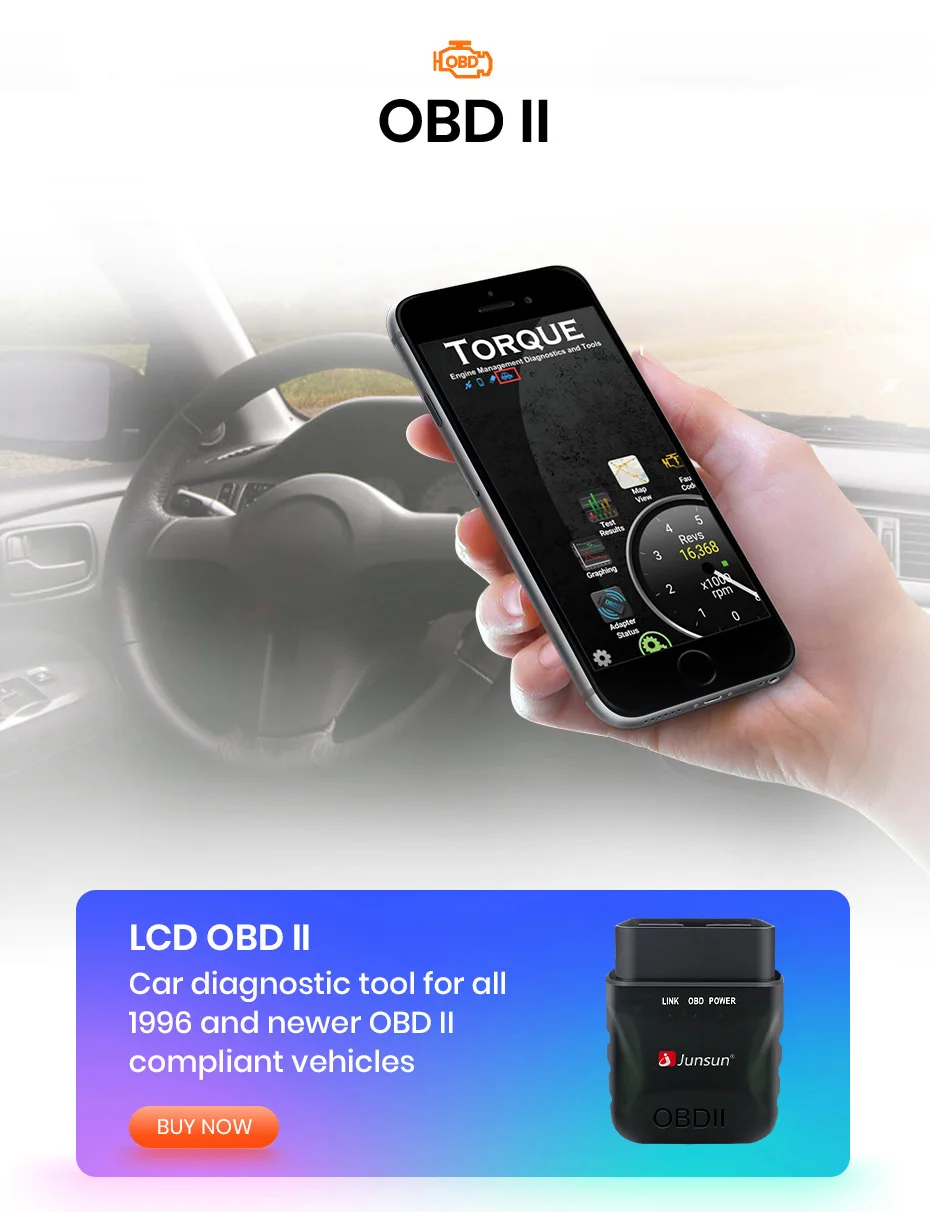
6. How to make OBD2 work for WIFI version?
Please enter the settings to remove the OBD2 icon to the desktop, and then connect normally.
Settings–Car infotainment–About device–Click gear on the right(it ask for a code 8888)–Menu icon double click left icon, it will show in the right box, then save setting and restart the device.



Recenzii
Ștergeți filtreleÎncă nu există recenzii.